
Every night, the same tiny tragedy plays out. Your phone is at 12 percent, your earbuds are dead, your watch is judging you with a blank screen, and your tablet is somewhere under a couch cushion living its best life.
A home charging station fixes that, not with fancy tech or a full weekend project, but with one small promise: every device has a home, and that home has power. The goal is simple, your mornings start with full batteries and zero cable archaeology.
What follows is a setup you can do in about 10 minutes, then keep running on autopilot.
Choose a spot that fits your life (not your fantasy self)

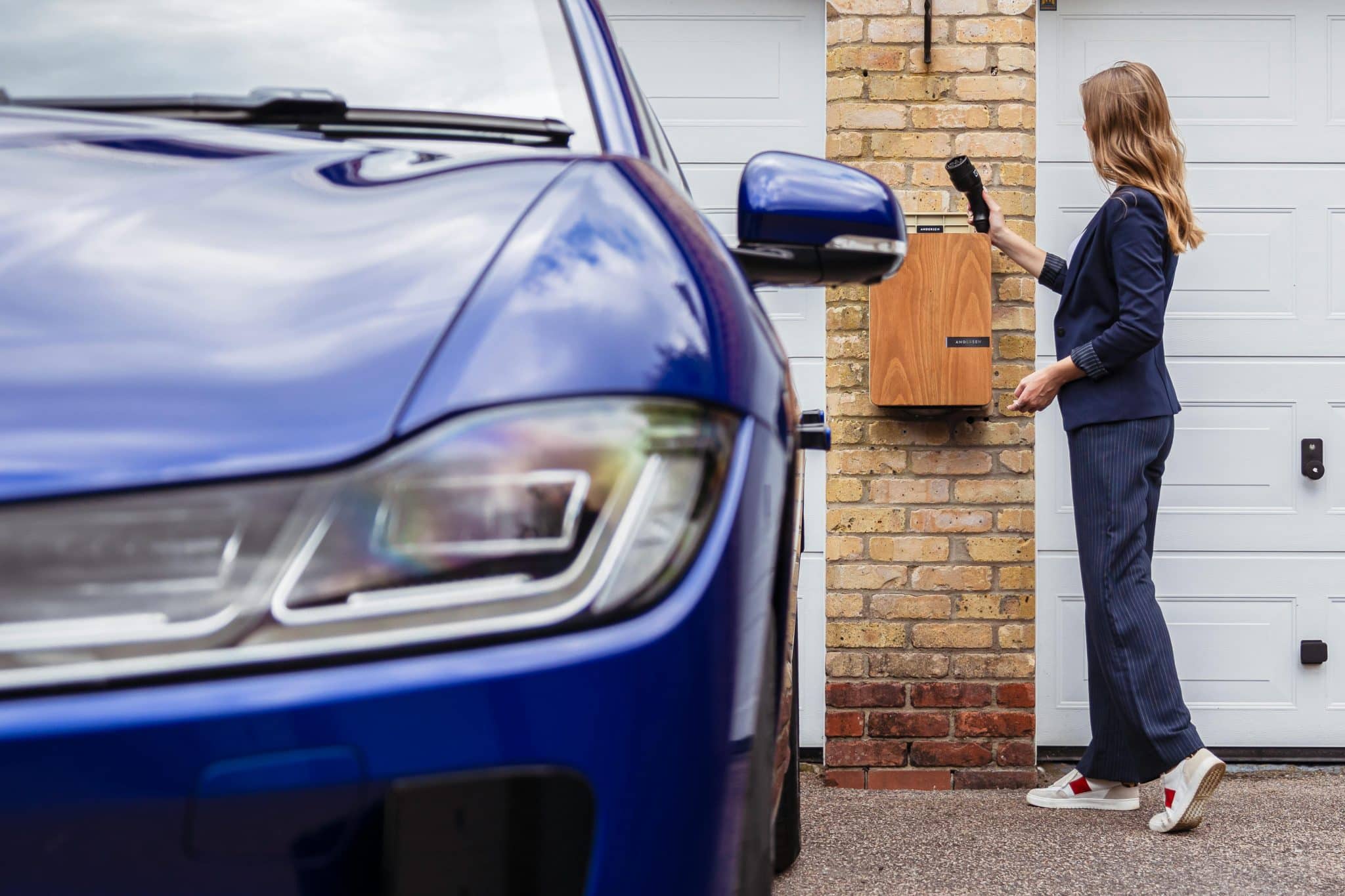
Photo by Andersen EV
The best charging station location is the place you already visit when you’re tired. Not the place you wish you visited. If you put chargers in a back room, they’ll feel like a chore. Put them where life naturally “lands” at night.
For busy households, that’s often a kitchen counter corner (away from spills), an entryway console, or a shelf near the family calendar. For remote workers, it’s usually within arm’s reach of the desk, but not on the exact spot where coffee sloshes during video calls.
A quick way to pick: stand where you usually drop your keys. That’s your default landing zone. Build the station there, and you’ll use it without thinking.
Keep three practical checks in mind:
- You need an outlet that isn’t already overloaded.
- You want a flat surface, or a small tray, so devices don’t slide off.
- You want the station visible enough to remind you, but not so central it becomes counter clutter.
If you’ve got kids or pets, go higher than tail height and lower than “I forgot it exists” height. A shelf, a wall-mounted ledge, or the top of a bookcase can be perfect. The station should feel like a coat rack, but for batteries.
Pick the gear that reduces clutter, not your patience
The fastest route to a tidy setup is fewer charging bricks. One solid multi-port charger can replace the pile of mystery cubes that seem to breed in drawers.
Look for a charger that matches your household’s real mix. Most modern phones and tablets charge over USB-C, but many small devices still use USB-A. A mixed-port charger lets you handle both without adapters dangling like little plastic regrets. If your family uses wireless charging, a multi-device wireless pad can help, but only if people will actually place devices neatly on it.
If you want a quick primer on how multi-device setups work (and what “multi-device” even means in practice), Zens has a clear explainer on multiple devices charging basics.
Cables matter more than people admit. The right cable length makes the station feel calm. Too short and devices hover awkwardly. Too long and you get a spaghetti nest.
A simple approach that stays sane:
- Use one longer cable for the device that needs flexibility (often a tablet).
- Use shorter cables for phones and earbuds so they park neatly.
- Keep watch chargers fixed in place, since they’re easy to lose.
Add one small organizer element, nothing fancy. A shallow tray, a slim basket, or a desktop cable holder keeps everything from drifting across the surface. The goal isn’t a showroom. It’s a routine that doesn’t collapse the first time you come home with groceries in both hands.
Set it up in 10 minutes (and stop thinking about it daily)
This is the part where you set a timer, do the thing, and enjoy the rare pleasure of finishing a home task before losing interest.
Use this sequence, in order. It keeps the station neat from day one, instead of turning into “Cable Mountain” by day three.
- Clear a small footprint: Wipe the surface and commit to a space about the size of a dinner plate (or a bit larger if you charge tablets). A charging station that takes over a whole counter will get resented.
- Plug in one power source: Use one multi-port wall charger or a quality power strip with enough outlets for your setup. Don’t stack adapters on adapters. Keep it stable and easy to unplug if needed.
- Assign “parking spots”: Decide where each device rests while charging. Phones get the front row, earbuds get a corner, watches get a fixed charger spot. This is less about rules and more about reducing morning panic.
- Match cables to devices: Connect the right cable to the right port and don’t “temporarily” swap. If you’ve ever tried to charge a random gadget at 6:55 a.m., you know why.
- Label the tricky ones: If two cables look the same, add a tiny label or a colored band. In shared homes, this prevents nightly cable borrowing, which is how your watch ends up charging from the wrong cord, again.
- Create a drop zone ritual: The ritual is one motion: drop device, connect, done. If you need to untangle cords first, the ritual won’t survive a busy week.
If you also travel, consider keeping a separate mini kit (one charger, one short cable) so you don’t rip apart the home station every time you pack. Many brands publish simple setup instructions you can mirror at home, like this 3-in-1 travel charger quick-start guide.
Keep it safe, quiet, and free of late-night surprises
Charging is usually safe when you use good gear correctly, but “usually” isn’t the vibe anyone wants near a nightstand full of electronics.
Start with heat and airflow. Don’t charge devices under pillows, in a bed, or on top of a heater vent. Batteries prefer room temperature and breathing space. If a device feels hot to the touch, unplug it and check the cable and charger.
Avoid daisy chaining power strips. One strip plugged into another is how you turn a simple routine into an electrical mess. If you need more outlets, upgrade to a single, higher-quality solution, or relocate the station to a better outlet.
Also, watch your cables. Replace frayed cords, loose connectors, or anything that only works when you “wiggle it a bit.” That wiggle is the cable asking to retire.
If you want inspiration for what a purpose-built multi-device station can look like, Anker’s roundup of charging stations for multiple devices shows common layouts (even if you don’t buy theirs, the structure ideas help).
Finally, keep the station boring. Boring is good. A calm surface, one main charger, cables that behave, and devices that wake up full. That’s the whole point.
Conclusion
A 10-minute home charging station is less about gadgets and more about removing tiny daily friction. Put it where life already happens, keep the gear simple, and give each device a clear place to rest. Once it’s set, mornings get quieter fast. Your future self will still forget their coffee sometimes, but their phone won’t be at 3 percent.


