
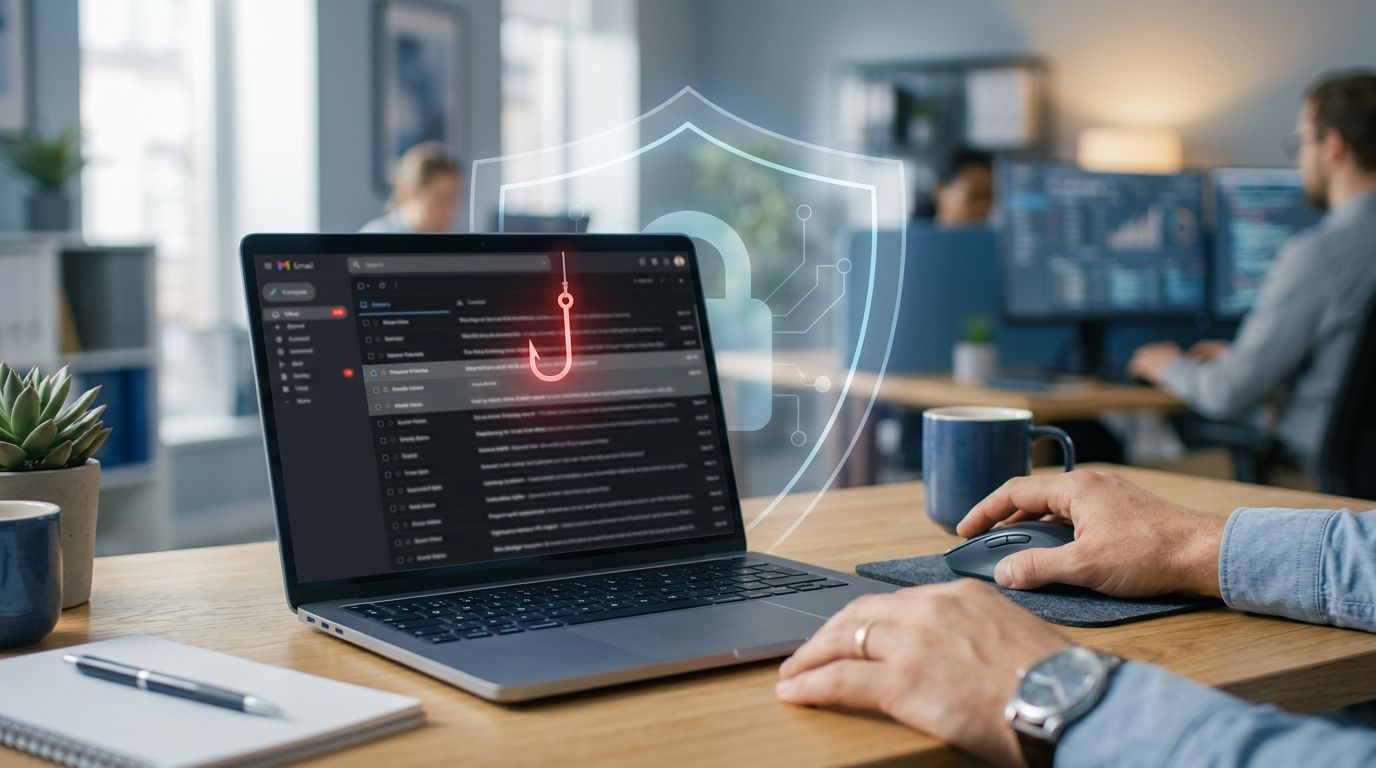
Most scam emails do not arrive wearing a fake mustache. They look normal enough to slip into a busy morning, right between a calendar invite and a shipping update.
That is why spotting phishing email signs is less about computer expertise and more about tempo. If you slow the moment down, the message often gives itself away.
The trick is to notice what the email is trying to make you feel before you notice what it wants you to do. These phishing attacks rely heavily on social engineering to bypass your logic and trigger a panicked or hurried response.
Key Takeaways
- Prioritize the Pause: Phishing emails rely on creating a false sense of urgency or emotional pressure to bypass your logic. Slowing down your response is the most effective way to identify a scam.
- Examine the Sender Details: Don’t trust display names or logos; always inspect the full email address for domain misspellings, character swaps, or mismatched ‘reply-to’ fields.
- Verify Independently: Never use the contact information, links, or reply buttons provided within a suspicious message. Instead, visit the company’s official website directly or contact the sender through a known, trusted channel.
- Treat Routine Requests with Caution: Even boring tasks like invoices or password resets can be used as bait. If a request feels out of place for your typical relationship with a contact, treat it as a potential threat.
The phishing email signs people miss first
The first warning sign is often emotional, not technical. A suspicious email wants speed, and cybercriminals behind these attacks want panic, relief, curiosity, or gratitude to arrive before your common sense sits down in the chair.
Maybe the email says your account will be locked today. Maybe it claims a payment failed. Maybe your boss needs gift cards in the next 15 minutes, which is a common tactic to extract money or sensitive personal information. When a message creates a sense of urgency, treat that urgency as evidence.

Phishing works like stage magic. One hand waves around the emergency. The other hand reaches for your login credentials, your payment, or your trust.
A second clue is a request that does not fit the relationship. Your bank will not ask for your full password by email. Your payroll team will not need your two-factor code. A delivery company usually wants you to track a package, not verify your identity immediately through an odd link.
Then there is the timing. Scammers love ordinary routines because these habits lower your guard. Password reset notices, shared documents, invoices, voicemail alerts, tax forms, and package delays all appear as a fake message because they borrow the shape of things you already receive.
Spelling and grammar errors still matter, but polished writing does not clear an email. Crooks use templates, spellcheck, and copied branding. Some messages are sloppy, some include generic greetings, and others are polished enough to look respectable. Either way, the emotional push is often the same.
If an email wants you scared, rushed, or unusually grateful within ten seconds, stop there.
That pause matters because the next clues are usually sitting in plain view.
Why the sender line matters more than the logo
A fancy logo proves almost nothing. The sender address tells a better story.
Start with the display name, but do not stop there. “Amazon Support” or “Your Bank” can be typed by anyone. Open the full address and read the email domain carefully. A real company may use company.com; a fake one might use companny-mail.com, company-help.net, or a string of nonsense that hopes you only glance at it.
One letter can carry the whole scam. This is the essence of domain spoofing, where common spoofing techniques involve replacing the letter o with a zero or shifting a dot to a position where it does not belong. Cybercriminals often push a trusted name to the left side of an address while the real domain hides at the end. That is why the sender line deserves a slow read.
This quick comparison helps:
| Part of the email | Usually reassuring | Worth stopping for |
|---|---|---|
| Display name | Matches a real contact you know | Looks familiar, but you don’t recognize the address |
| Domain | Matches the company’s public website | Extra letters, swapped characters, or odd endings |
| Reply-to address | Same person or same organization | Different address, free mail account, or another domain |
| Greeting | Fits your account history | Generic greetings from a sender who should know your name |
One strange detail, such as spelling and grammar errors, is not always proof of a scam. However, two or three inconsistencies in the same message are enough to put the brakes on.
The reply-to field is another quiet giveaway. An email may appear to come from a co-worker, while replies go somewhere else. On a phone, this is easy to miss because screens hide detail. Tap the sender and expand the address. If you need further verification, check the email headers to see if the message passed SPF and DKIM authentication protocols. That tiny extra step can save a large headache.
Microsoft’s phishing safety guide points out that these technical checks are vital. Developing the habit of investigating the sender beats judging the logo every time.
Would your insurance company write from a random Gmail address? Would a supplier you have used for years suddenly switch domains without warning? Usually, no. Often, these messages feature a fake bank account alert designed to steal your credentials and lead to identity theft. Your suspicion does not need to be dramatic. It only needs to be awake.
What the message wants you to do next
Once the sender line looks shaky, the body of the email usually starts sounding shakier.
Look for a call to action that corners you into a bad decision. “Confirm now,” “Unlock your account,” or requests to update login credentials are common tactics. “Review the attached invoice,” “Open the secure document,” or “Update your payment details” are also frequent requests. These prompts are not always fake, but they are common bait because they turn normal business tasks into reflexes.
Links deserve special suspicion. On a desktop, hover over the link and read the destination before clicking. If the visible text says your bank’s name but the destination points somewhere unrelated, you are likely looking at malicious links. These suspicious links are the email slipping on its own costume. On a phone, skip the link entirely and open the real website yourself in a separate browser tab to avoid clicking malicious links.
Attachments can be worse. You should never give a free pass to unexpected attachments just because they look boring. Boring is part of the act. A fake invoice is often more dangerous than a flashy “you won” message because it looks like routine work. Avoid opening malicious attachments, such as a PDF, ZIP file, or HTML file, if you were not expecting them. These unexpected attachments are often used to install malware on your device.
If you run a small business, watch for money requests that arrive with a thin layer of routine. A vendor may update bank account details, or a client may resend an invoice with new wiring instructions. Scammers often target financial information by posing as a fake employee requesting to change payroll information in a hurry. Providing this financial information or sharing account numbers can lead to devastating identity theft and the loss of sensitive personal information.
The FTC’s phishing scam examples show how cybercriminals use billing problems, account holds, and generic greetings in a suspicious email to get people moving. Ask a simple question: should this sender already know who I am, what account I hold, or how my company handles payments? If the answer is yes, a vague greeting or odd request should stand out.
A polished phishing email often has one job. It tries to get you off your normal path. The moment an email asks you to step outside that path, stop and compare it with how that person or company usually contacts you.
Build a 30-second routine before you click
A short routine beats a heroic memory. You do not need to memorize every scam; you just need a way to interrupt the timing of the fraud.
Pause when the email feels loaded
If the message creates a sense of urgency, give it thirty seconds. Read the subject line again. Read the sender again. Ask what the email wants from you right now. Fear, speed, secrecy, and money are the usual suspects. When those four show up together, the message has already told you too much.
Verify somewhere outside the email
Do not use the phone number, link, or reply button inside the message. Visit the company website by typing the address yourself. Call the known number on your statement or invoice. If the email claims to be from a co-worker, ask them through chat, in person, or with a fresh email you start yourself. A real issue survives verification, but a fake message hates it. As an extra layer of protection, ensure that you have multi-factor authentication enabled on your accounts to keep your personal information secure. If you are unsure, remember that modern security software and robust email filters are often designed to flag suspicious activity before it reaches your inbox.
Report phishing, then let it go
If you are at work, follow your company process to report phishing to the IT or security team. If you receive a suspicious email in a personal account, mark it as junk or phishing so your provider learns to block similar threats. CISA’s advice on recognizing and reporting phishing is simple for a reason: suspicion should lead to a choice to report phishing, not to detective work at midnight.
The goal is not to become paranoid. The goal is to make email earn your trust again, message by message.
Frequently Asked Questions
Can I trust an email if it includes the correct company logo and branding?
No, logos and branding are easily copied and do not verify the authenticity of an email. Scammers frequently use official imagery to build a false sense of security, so always focus on the sender’s actual email address instead.
What should I do if I accidentally click a link in a suspicious email?
If you have clicked a link, disconnect your device from the internet immediately to prevent further communication with the malicious site. Once offline, run a scan with your security software, change your account passwords from a separate, secure device, and contact your IT department if the email was received on a work account.
Is it safer to reply to a phishing email to ask if it is real?
Never reply to a suspicious email, as doing so confirms to the attacker that your email address is active and potentially vulnerable. If you are unsure about the legitimacy of a message, reach out to the organization or individual using a phone number or website address you have already verified independently.
How can I tell if a domain name has been spoofed?
Look closely for subtle irregularities, such as extra letters, missing characters, or domains that use a different top-level extension like .net instead of .com. Cybercriminals often use ‘typosquatting’ techniques, like replacing the letter ‘o’ with a zero, which can be very difficult to spot at a quick glance.
The safest click is the delayed one
The dangerous email is usually not the loudest one. It is the one that catches you while you are busy and asks for one fast favor. Phishing attacks are constant, as cybercriminals continuously refine their tactics to exploit our natural inclination to move quickly.
Once you know the pattern, the message starts looking less convincing. Pressure, mismatch, and an unusual request are the clues to watch for. Give those clues half a minute, and many scams fall apart before your cursor moves at all. By taking this time to pause, you become the primary defense for your personal information. Identifying suspicious activity is a skill that improves with practice, and delaying your click remains the most effective way to thwart phishing attacks before they can cause harm.


