
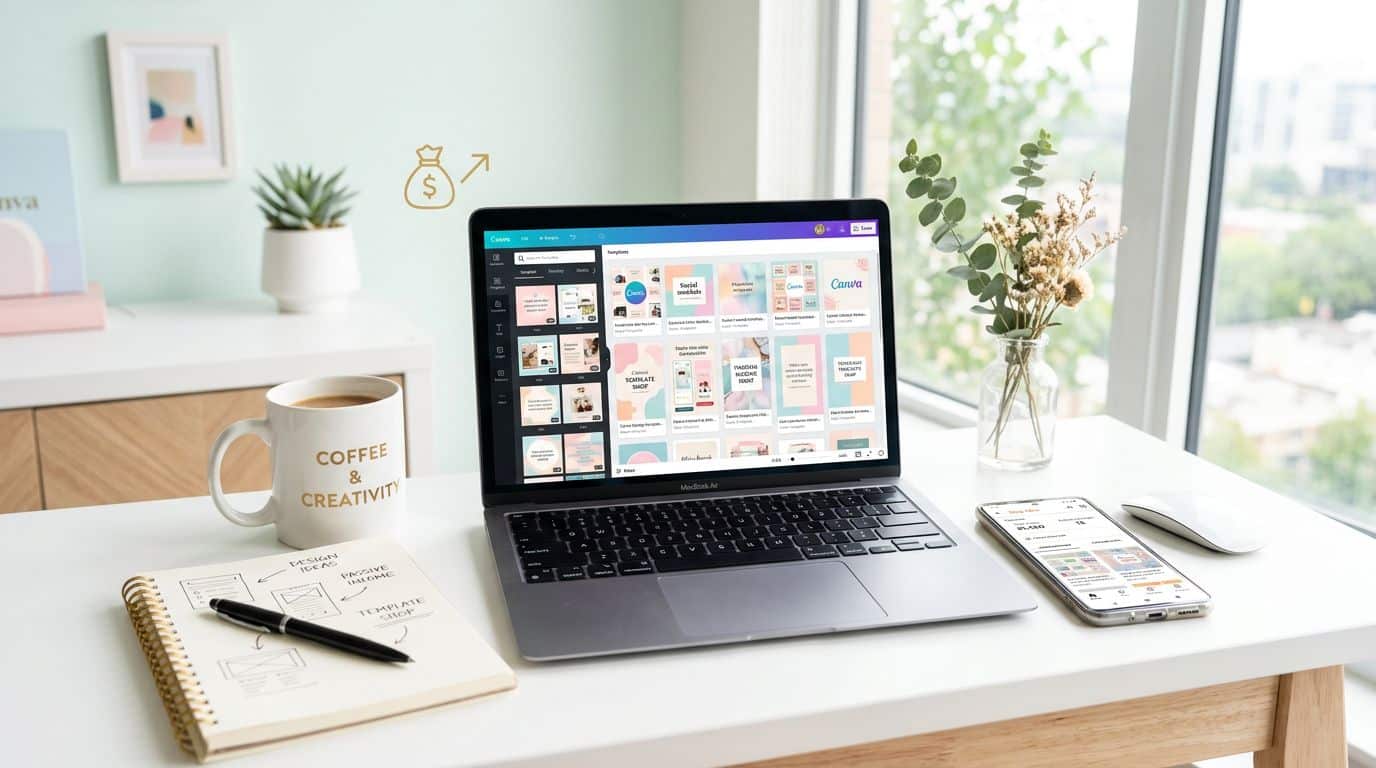
Selling digital products like Canva templates Etsy buyers can customize feels like opening an Etsy shop that never sleeps. Using Canva, a powerful graphic design tool, you do the work once to create passive income, then Etsy delivers the digital download while you’re making dinner, working your day job, or finally folding that laundry.
The simplest path for beginners is templates buyers can edit themselves. People aren’t paying for “a pretty layout.” They’re paying for time, calm, and a faster way to finish something that matters.
The trick is choosing the right kind of template, building it so it’s truly useful, then listing it in a way Etsy can understand and shoppers can trust.
Start with a buyer problem, not a pretty design
Most new sellers open Canva to create Canva templates Etsy and start arranging shapes like they’re decorating a cupcake. It’s fun, but it often leads to products that don’t sell. On Etsy, “cute” is crowded. “Useful” still has breathing room.
In March 2026, high-demand niches keep circling back to the same theme: they help someone do a job faster. Real estate agents need listings and open house signs yesterday. Small businesses need invoices and intake forms that look legit. Content creators need repeatable formats they can post on schedule. The template is the shortcut.
A practical way to pick your first niche through niche research is to think about who you understand. If you’ve worked in an office, business templates will feel natural. If you’ve planned a wedding, invitation suites and schedules make sense. If you’ve ever tried to keep receipts from floating around your bag like confetti, tax organizers and trackers can be your lane.
Here are a few categories that tend to convert well when you build them as template bundles (not single pages) for your Etsy shop:
- Real estate marketing kits: Include flyers, open house signs, feature sheets, and social posts, all with matching style.
- Small business admin packs: Invoices, quotes, contracts, onboarding, and policy pages, designed to look consistent.
- Social media content sets: Instagram templates for carousels, social media templates for story frames, Pinterest pins, and cover images for one niche (fitness, photography, coaching); these digital products streamline posting.
- Life admin “problem-solvers”: Budget planners, debt payoff sheets, medication trackers, emergency binders, and landlord forms.
Template bundles matter because they make the buyer’s decision easier. A $16 template bundle that covers the whole job often beats a $3 single page, even if your single page is adorable. These digital products help grow your Etsy shop.
If you want examples of what other sellers package together, this overview of digital product ideas for Etsy can help you sanity-check demand before you build.
Build Canva templates people can edit, and keep it legal

Photo by Châu Thông Phan
Etsy buyers love editable templates they can use in Canva because they don’t need special software. You also get fewer messages that begin with, “Hi, I can’t open this file.”
Start by building one strong “master” template, then create variations. Keep the structure steady, change the details. This saves time and makes your bundle feel cohesive.
While you design, think like a slightly impatient customer (because many are). Use clean fonts, clear headings, and roomy spacing. Stick to free Canva elements for broad accessibility, and leave notes right in the template, like “Replace this photo” or “Type your services here.” Those tiny prompts reduce confusion and refunds.
Next, set up your Canva file so it’s easy to edit. While you might use Canva Pro as a designer for advanced features, make sure the editable templates work seamlessly with a basic Canva account:
- Lock background elements that shouldn’t move.
- Group items that belong together (like an icon plus label).
- Keep colors and fonts consistent across the pack, relying on free Canva elements with a commercial license.
- Test the template link in “copy link, open in an incognito window” mode to confirm it works for a buyer. Double-check by sharing the template link again from a basic Canva account.
Now for the part that keeps your shop out of trouble: originality and licensing. Etsy expects you to sell your own original work, and Canva is a tool, not a permission slip to re-sell someone else’s design. That means you shouldn’t take a Canva template, change two colors, and call it yours. Build your original work from scratch, or use transformative design enough that it reflects your own choices and structure.
If you sell editable templates like invitations, read a clear breakdown like how to sell Canva invitation templates legally and apply the same mindset to all template types. Also, avoid trademarked characters and brand names in your designs and keywords, even “just for fun.” Etsy doesn’t find that funny. While you might leverage Canva Pro yourself, always prioritize templates that function on a free Canva account.
A good rule is simple: if your product only works because someone else made the main creative decisions, it’s not ready to sell.
List, price, and deliver your digital downloads like a grown-up Etsy shop
A strong Etsy listing is like a good front door. It tells people they’re in the right place, it sets expectations, and it doesn’t make them guess where to step.
Start with Etsy listing photos. Your first image should say what it is, who it’s for, and that it’s editable templates. Use plain, readable text. Add a couple of mockups that show the editable templates in context (a flyer on a clipboard, an Instagram post on a phone, or a brand board in use). Then include a “What you get” image with a simple overview of the pages in the bundle.
For delivery, most Canva template sellers do this: Etsy handles automated delivery of your digital downloads with a delivery PDF that contains your Canva template link, plus short instructions. You can include a second delivery PDF with printing tips, font links, and support notes that reiterates the template link for easy access. Keep it calm and friendly, like you’re helping a neighbor, and add a third delivery PDF if needed for extra details on the template link.
Pricing is where beginners panic and start undercharging. Try not to. In 2026, many successful bundles land in the $10 to $40 range, depending on how many pages and how specialized the niche is (just factor in your Etsy shop’s listing fee of $0.20 and transaction fee of 6.5 percent). A real estate kit that saves an agent two hours has more value than a generic quote poster.
A quick pricing gut-check helps:
| Bundle type | Typical buyer mindset | Common price range |
|---|---|---|
| Starter mini pack (5 to 8 pages) | “Let me try this” | $8 to $15 |
| Core kit (10 to 20 pages) | “I need the whole set” | $15 to $35 |
| Specialty kit (industry-specific) | “This fits my exact job” | $25 to $50 |
The takeaway is simple: price for the problem you solve, not the minutes it took you to design.
Finally, make Etsy search work with you by optimizing your Etsy listing for Etsy SEO. Use plain language your buyer would type. Put the strongest phrase early in the title, then add details (use case, format, who it’s for). Fill all 13 tags with real search terms, not vibes, to boost your Etsy SEO. If you need a practical refresher on how listings and keywords connect, this guide on selling Canva templates on Etsy lays out the basics in a clear sequence.
To keep momentum without burning out in your Etsy shop, use a simple routine: one new listing per week, one older listing refreshed every week, and one customer-focused improvement (better mockups, clearer instructions, or a small bonus page). Etsy tends to reward steady activity with digital products, your Etsy shop grows fast with repetition, and it all builds toward passive income with digital products.
Conclusion: Build one useful bundle, then repeat what works
Making money selling Canva templates Etsy shoppers love isn’t about being “artsy.” It’s about creating digital products people will happily pay for because they save time. Pick a niche with real needs, design Canva templates Etsy users can easily edit, then list your digital products with clear photos, fair pricing, and clean delivery.
Start with one bundle you’re proud of, then build the next one based on what shoppers click, favorite, and buy to grow your monthly revenue. Keep your Etsy shop active, maintain your Canva account for fresh designs, and explore the Canva Creator Marketplace as an additional growth path. Consistency beats inspiration, generates passive income, and boosts monthly revenue, while useful templates beat pretty ones almost every time.


