
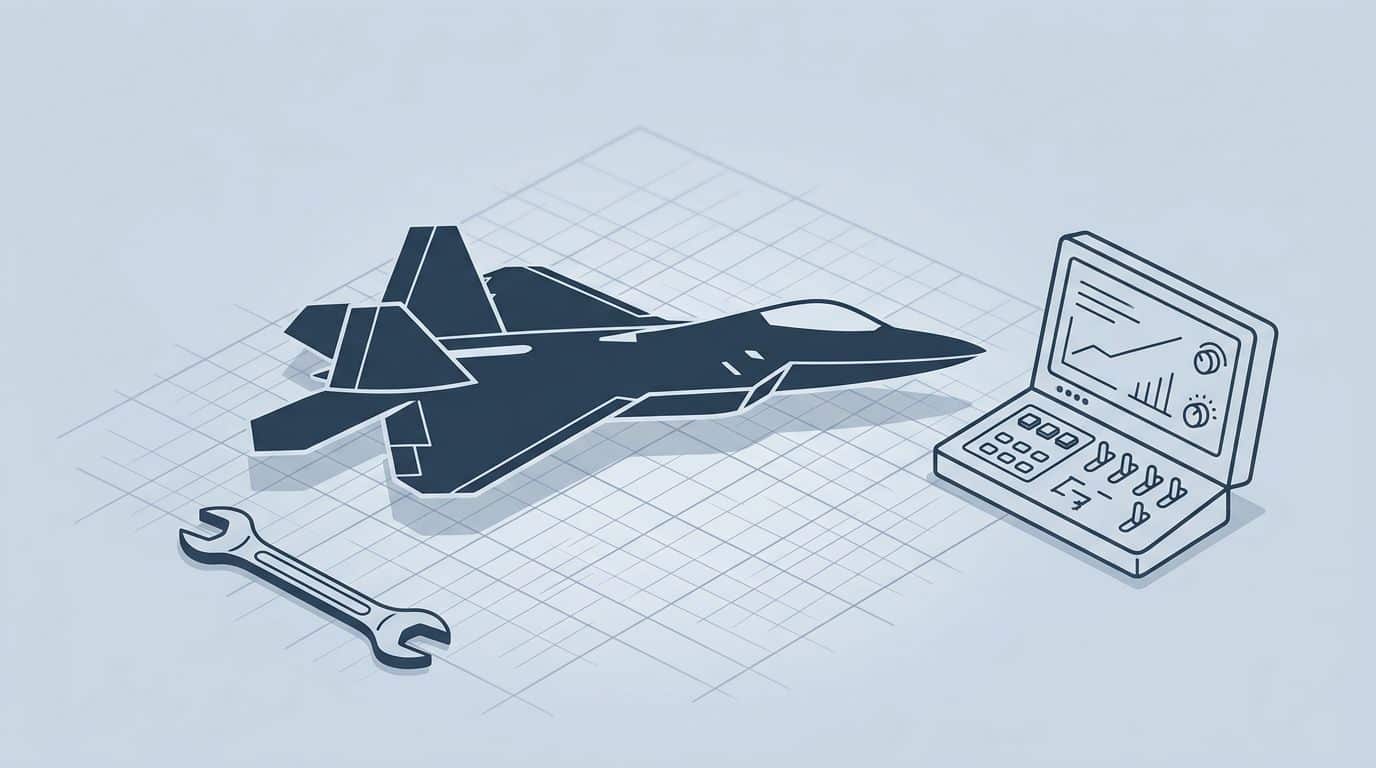
The Keep it simple stupid design principle, used in engineering, counters how complexity sneaks in. A product gets one “small” feature. A process gets one “quick” approval step. A message gets one “tiny” clarification. Soon, nobody remembers what the original plan was, yet everyone feels the drag.
That’s where the KIS principle helps. It was famously championed by Kelly Johnson, the lead aircraft engineer at Lockheed Skunk Works. He told his team the jet they were designing must be repairable by an average mechanic in combat conditions with simple tools for the US Navy. It’s a simple idea with a hard practice: keep things as simple as they can be, while still doing the job well. Not simple for its own sake, and not simple in a way that hides real risk.
If you build software, shape roadmaps, design flows, or run business operations, simplicity isn’t a style choice. Simplicity is a cost control tool, a trust builder, and often the difference between “people use it” and “people avoid it.”

What the KIS principle means when you’re shipping real work
At its core, the KIS principle is about reducing unnecessary choices and complexity, as captured by the “Keep it simple, stupid” mantra. In software development and product design, it asks you to remove steps, screens, fields, meetings, and rules that don’t change the outcome to enhance the user experience. That sounds obvious, yet teams often treat complexity as proof of seriousness.
A useful way to think about it is like packing for a trip. You can bring everything, but you’ll pay for it. You’ll pay in time, stress, and the moment you have to carry it up three flights of stairs. Products and processes work the same way.
The KIS principle isn’t “make it basic.” It’s “make it clear, then make it smaller.”
This mirrors Occam’s razor, the historical principle that the simplest solution is often the best.
Clarity comes first. If the team can’t explain what a feature is for in user friendly terms matched to the user’s technical expertise, making it simpler will only produce a cleaner mess. Start by naming the job to be done in plain language. Then trim.
Simplicity also has a target audience. A developer tool can be simple for developers while still looking “dense” to others. Likewise, an admin flow can be simple for a trained ops team, even if it has more steps than a consumer app. In other words, simple is relative to the user’s context, not to a screenshot.
Finally, KIS is not the same as “no documentation” or “no edge cases.” It’s about choosing where complexity lives. You often can’t remove it, but you can move it out of the user’s way, into sensible defaults, guardrails, and progressive disclosure.
Why teams resist simplicity (even when they swear they want it)
Despite embracing the “Keep it simple stupid” mantra as a core problem-solving challenge, most teams do not love complexity. They love what complexity protects them from: awkward questions, missed edge cases, and that tense moment when someone asks, “Why did we choose this?”
Simplicity feels risky because it is visible. A simple spec exposes fuzzy thinking. A simple UI exposes missing decisions. A simple process exposes who owns what. Yet simplicity improves decision-making by removing the fear of exposure. That is why KIS work can feel oddly emotional, even in a room full of rational adults with laptops.
Three common failure modes show up again and again.
- “Simple” becomes “fast”: A rushed decision gets called simple, then users pay for it later. Speed can be good, but confusion is not speed.
- “Simple” becomes “cheap”: Teams cut testing, accessibility, or support because “we’re keeping it simple.” That undermines operational efficiency; it is not KIS, it is debt with a bow on it.
- “Simple” becomes “silent”: People remove helpful context to avoid writing. Then new teammates invent their own story, and the system grows two heads.
There is also a social trap. In cross-functional work, each group tends to add “just one more thing” for safety. Legal wants a clause. Sales wants a toggle. Engineering wants a configuration flag “for flexibility.” Design wants one more explanation line. Nobody is wrong, but the total becomes wrong.
A gentle way through this is to treat the “Less is more” design principle as a shared constraint, like budget or latency. When someone adds complexity, ask what it replaces. If it replaces nothing, it is probably not ready.
A practical KIS workflow for products, processes, and communication
Simplicity becomes real when it has a routine. Otherwise, it stays a poster on the wall. The following approach works across product discovery, user interface design, marketing communication, engineering planning, and even internal comms.
First, guided by the Keep it simple stupid principle, write a one-sentence promise. Not a vision statement, just a plain sentence that a user would recognize. For example: “A new customer can create an account and reach the dashboard in under two minutes.” That sentence becomes your scissors. Anything that doesn’t support it needs a strong reason to exist.
Next, pick a single “happy path” focusing on intuitive design and core features, and protect it. Teams often design for every path at once, then wonder why everything feels heavy. You can still support edge cases, but you don’t need to put them on the main road. Put them behind “More options,” admin settings, or a support flow.
Then, compress the decision points. If a user must choose between six plan types, three onboarding tracks, and four permission models, they aren’t choosing. They’re guessing. Defaults are your friend, as long as they’re honest. For engineers, this mirrors the YAGNI principle (You Ain’t Gonna Need It) and the DRY principle (Don’t Repeat Yourself) to avoid bloat.
This quick comparison helps when you’re deciding what to cut.
| Area | Complexity pattern | KIS principle alternative |
|---|---|---|
| Requirements | Long lists of “must have” items | One primary goal plus clear non-goals |
| Meetings | Recurring syncs with vague agendas | Short, time-boxed updates with decisions logged |
| UX flows | Many fields “just in case” | Fewer fields now, optional details later |
The takeaway is simple: reduce decisions on the critical path, for example in website navigation, and push the rest to moments where users have context.
Finally, do a “friction pass” before launch. Read the UI out loud. Walk the process as a new hire. Try the workflow on a bad day, with low patience and a chat pinging in the corner. If it still makes sense, you’re close.
If you can’t explain the flow in 30 seconds, the user won’t understand it in 30 minutes.
Conclusion: simplicity is a habit, not a one-time cleanup
The “Keep it simple stupid” (KIS) principle works best when you treat it like a professional habit rather than a one-time task. Small, regular trims beat the heroic rewrite that never ships. Start with one flow, one meeting, or one message that people dread, then make it smaller and clearer.
Keep asking what the user is trying to do, and what you can remove without harm. Over time, simplicity stops feeling like risk and starts feeling like relief, especially as adopting minimalist concepts significantly improves the customer experience. Maintaining a user friendly system requires constant vigilance against feature creep.


