
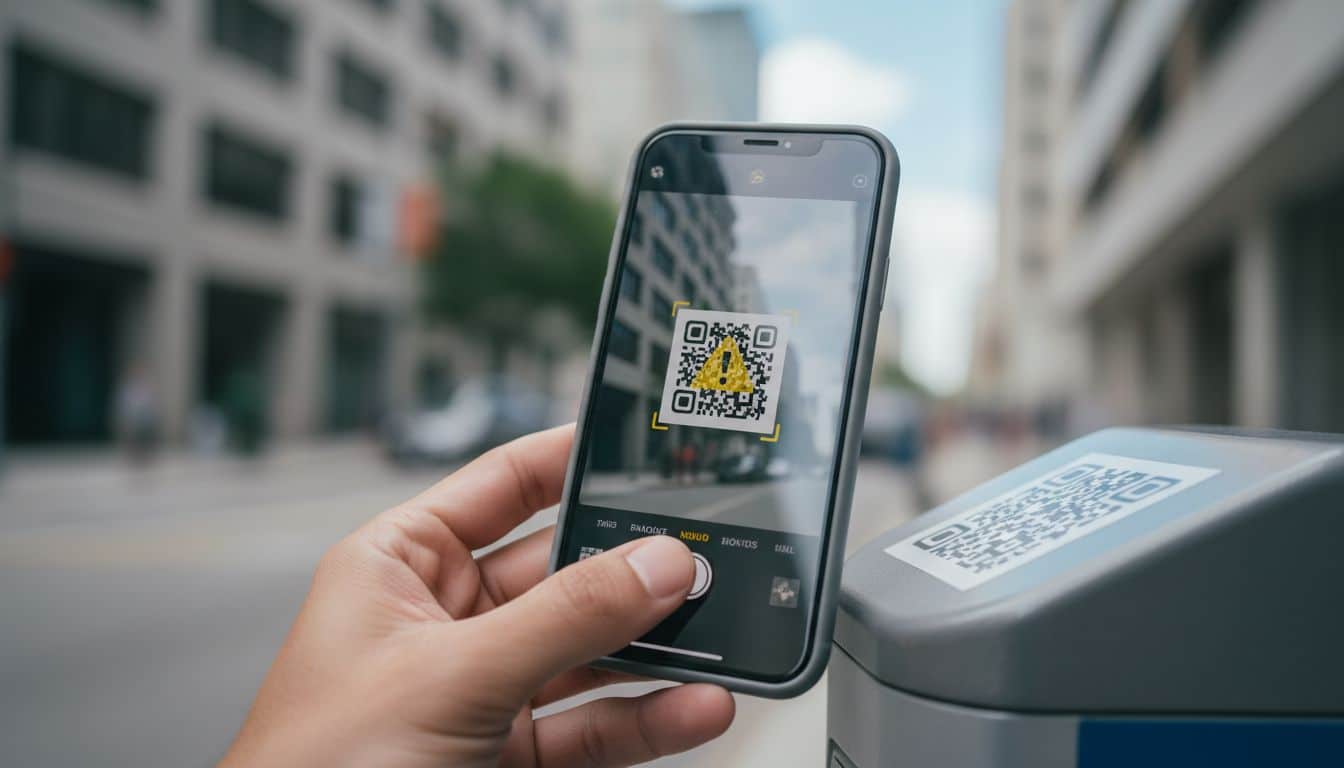
A QR code can take you from a parking meter to a fake payment page in one tap. That speed is why QR code scams work so well.
They borrow trust from a sign, a menu, a text, or a package notice. Then they rush you past the part where you’d normally check a web address. The safest habit is simple, pause before you scan, and pause again before you open anything.
The first warning sign is often the setting
Most malicious QR codes don’t look dramatic. They look ordinary, which is the whole trick. In public places, the danger often comes from a code that has been added over a real one. A fresh sticker on a parking meter, a crooked label on a gas pump, or a menu card that looks slightly off should slow you down at once.
Current scam reports in April 2026 point to fake parking meter stickers, restaurant menu overlays, delivery reschedule codes, and traffic violation texts as common plays. That matters because the setting does part of the scammer’s work. If the code sits on a city machine or inside a polite-looking message, your brain fills in the trust.

Physical clues help more than people think. Look for bubbling edges, a label placed over another label, poor alignment, odd colors, or damage around the code. A real payment sticker usually looks settled and boring. Boring is good. A code that looks freshly slapped on with the confidence of a fake mustache deserves suspicion.
The same rule applies in messages. If you get a text saying “pay now,” “fix your delivery,” or “respond before arrest,” don’t scan the code to find out more. Go to the official app or type the known website by hand. Microsoft’s guide to common QR code scams shows how often scammers hide behind urgent payment requests, fake account warnings, and public signs.
Preview the destination before you tap
Even a real-looking QR code can send you somewhere bad. That’s why the next step matters more than the scan itself. Most phone cameras show a link preview before they open it. Read that preview slowly, because the address is the closest thing you get to a warning label.
Look at the main domain, not the words around it. A parking payment code should lead to a city site or a payment provider you already know. A restaurant menu should not send you to a random string of letters, a misspelled brand name, or a shortened link that hides the full address. If you see a URL shortener, odd numbers, or a strange domain ending, close it.
A preview works like a peephole in a front door. You don’t need to be a security pro. You only need to notice when the story and the destination don’t match. Bitdefender’s advice on spotting fake QR codes makes the same point, especially for payments and login pages.
After the page opens, keep checking. If a site asks for a password, card number, bank details, or a one-time code right away, back out. Be wary of any page that asks you to download an app, install a file, or join a Wi-Fi network from the browser. A padlock and “https” help, but they don’t prove the site is honest. Scammers use secure connections too.
When money or accounts are involved, the safer move is often the less clever one. Open the company’s official app. Type the address yourself. Ask the cashier, server, or front desk to confirm the correct code. At work, verify the source before scanning anything on an invoice, poster, or vendor email. Convenience is nice, but a ten-second check is cheaper than a stolen card.
Safer habits matter more than perfect instincts
No one spots every scam by sight. The better goal is a routine that catches most of them before they can do damage. If a QR code appears in a place where you can use another path, take the other path. Pay parking through the city app. Pull up the menu through the restaurant’s website. Visit the shipper’s site from your browser instead of trusting a package note or a text.
That habit matters even more for small business staff. A code taped to a counter, printed on a flyer, or slipped into an email can affect company cards and shared logins, not only one phone. A simple house rule helps, scan only codes from known vendors or approved in-store materials, and confirm anything new before using it.
If you already scanned a suspicious code, keep calm and move fast. Close the page. Don’t enter details. If you typed a password, change it on the real site. If you entered card information, call the card issuer and watch for charges. If you installed anything, run your phone’s security tools and remove what you can. A recent report on delivery-style QR scams notes that some codes aim to steal logins, while others push harmful downloads.
Also report what you find. Tell the store manager about the fake sticker. Tell the restaurant about the altered menu stand. Report the message through the real company site, not through the link in the message. QR code scams last longer when nobody removes the bait.
That little square isn’t dangerous because it’s modern or mysterious. Trouble starts when hurry keeps you from checking where it leads.
One extra second of pause beats hours spent canceling cards and resetting logins. When a code asks for trust, make it earn it.


