
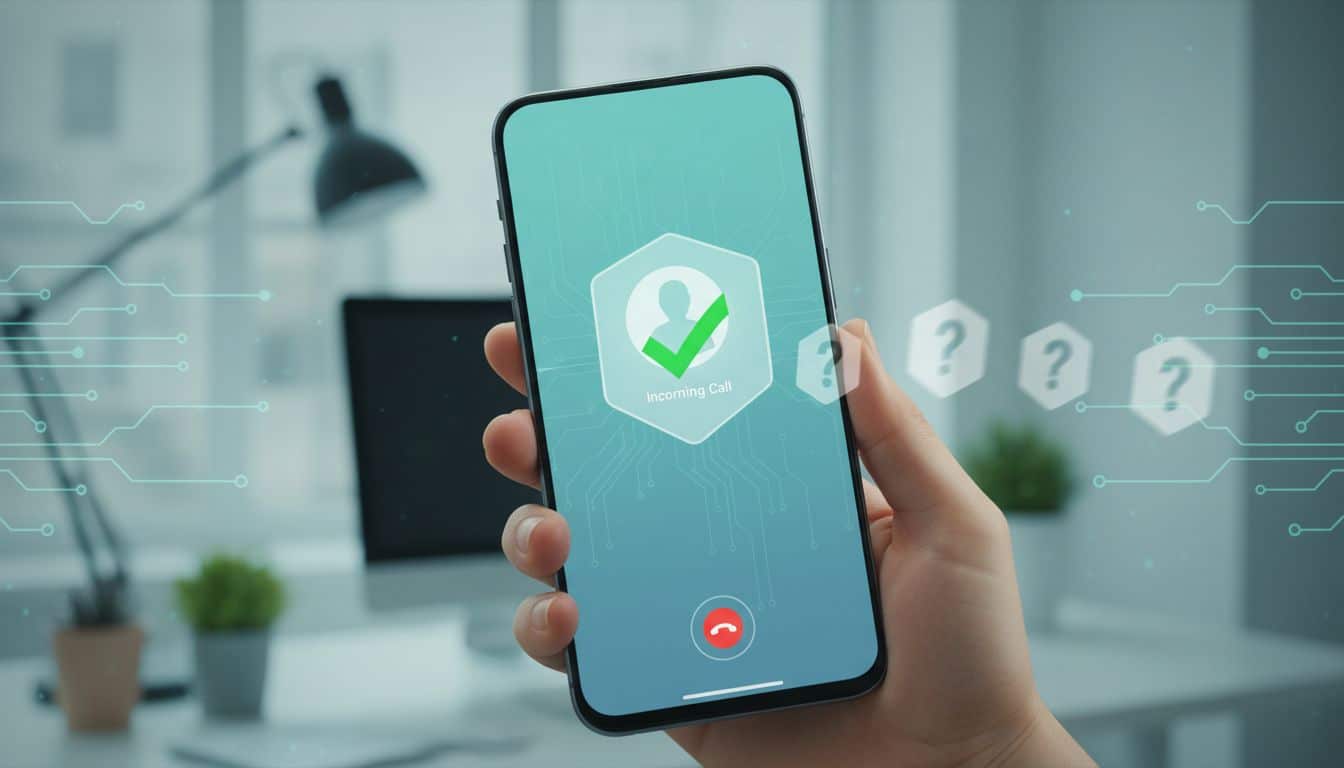
Your phone rings, the number looks unfamiliar, and your stomach does that small drop. Ignore it, and you might miss your doctor, your kid’s school, or a hiring manager. Answer it, and you may get a robot offering a fake refund.
To stop spam calls without losing the good ones, don’t think in terms of total blocking. Think in terms of screening. That mix works better because an unknown number isn’t the same thing as a bad one.
Why blanket blocking often backfires
A locked front door keeps strangers out, but it also keeps friends out if they don’t have a key. Phone settings work the same way. If you block every unknown caller, you cut off spam, but you also cut off anyone calling you for the first time.
That’s why the safer move is to screen first. Call labeling, voicemail, and built-in filters reduce noise without shutting the line completely. If the call matters, most real people leave a message, call back, or send a text. Scammers want speed. They usually want you to pick up before you think.
The FTC’s advice on blocking unwanted calls makes this plain. Caller ID can be faked. A local number can still be junk. So the screen on your phone gives you a clue, not a promise.
Unknown doesn’t mean unimportant. It only means unverified.
That small shift helps. Once you stop treating every ring as urgent, you make better choices and miss fewer real calls.
Use the tools already built into your phone
Most people reach for an app first. However, your phone already has solid ways to cut spam. On iPhone, “Silence Unknown Callers” sends calls from numbers outside your contacts to voicemail. It doesn’t block them outright. That balance is why so many people like it. A school nurse or delivery driver can still leave a message. CNET has a simple guide to iPhone call silencing.

Android phones offer similar help, though the name varies by device. Turn on caller ID and spam protection. If your phone supports call screening, use it. Suspicious calls get flagged, and many phones can quietly push them out of your way.
Voicemail matters more than people think. Keep your greeting short and calm. Ask callers to leave their name, number, and reason for calling. Real callers usually do. Spam callers often don’t. In other words, voicemail becomes your filter, not your failure.
If you depend on your phone for work, don’t start with the strongest setting. Try labels and voicemail first. Then watch what happens for a few days before you tighten anything else.
Add carrier spam filters before you download another app
Your carrier can catch junk before it even reaches your screen. As of 2026, the major carriers all offer some form of spam filtering. AT&T, Verizon, and T-Mobile can label suspicious calls, send risky ones to voicemail, or block the worst repeat offenders.
This is where people often go too far. Full blocking sounds clean, yet labels are usually the better first step. A warning like “Spam Risk” gives you context without making the choice for you. If the call turns out to be real, the person can still leave a message.
PCMag’s spam-call guide makes a smart point here. Layering tools works better than trusting one switch. Your phone’s filter, your carrier’s label system, and your own habits cover different parts of the problem.
Save more numbers than you think you need. Put your clinic, pharmacy, school office, bank fraud line, building manager, and repair services into contacts before they call. Also, when you book an appointment, ask which number the office uses. That tiny step can save a lot of second-guessing later.
Only add a third-party call-blocking app after you’ve tested those free options. Too many overlapping filters can hide a real call and make it harder to tell what blocked it.
The quiet habits that protect important calls
Spam callers feed on urgency. They want you to answer first and think later. So the best habit is also the least flashy: let unknown calls go to voicemail unless you’re expecting one at that moment.
That doesn’t mean ignoring life. It means giving yourself a buffer. If you’re waiting for a job call, lab result, or technician visit, keep the phone nearby and check voicemail quickly. Many real callers will also text after a missed call. Scammers usually won’t bother.
If someone claims to be from your bank, hospital, or a government office, don’t trust the incoming number alone. Hang up and call back using the number on the official website or card you already have. Think of it like checking the peephole before opening the door.
The How-To Geek piece on the Do Not Call Registry is also useful for one reason. It reminds people that older tools still help. The registry won’t stop criminals, but it can cut down on legal sales calls. Less noise makes suspicious calls easier to spot.
Never press buttons to “be removed.” Don’t argue. Don’t give out one-time codes, account details, or personal facts to “confirm” who you are. Real organizations can wait while you call them back the proper way.
Your goal isn’t silence. It’s control.
A good setup screens first, labels second, and blocks only where the risk is clear. That approach helps stop spam calls while keeping the door open for the people you still need to hear from.


