
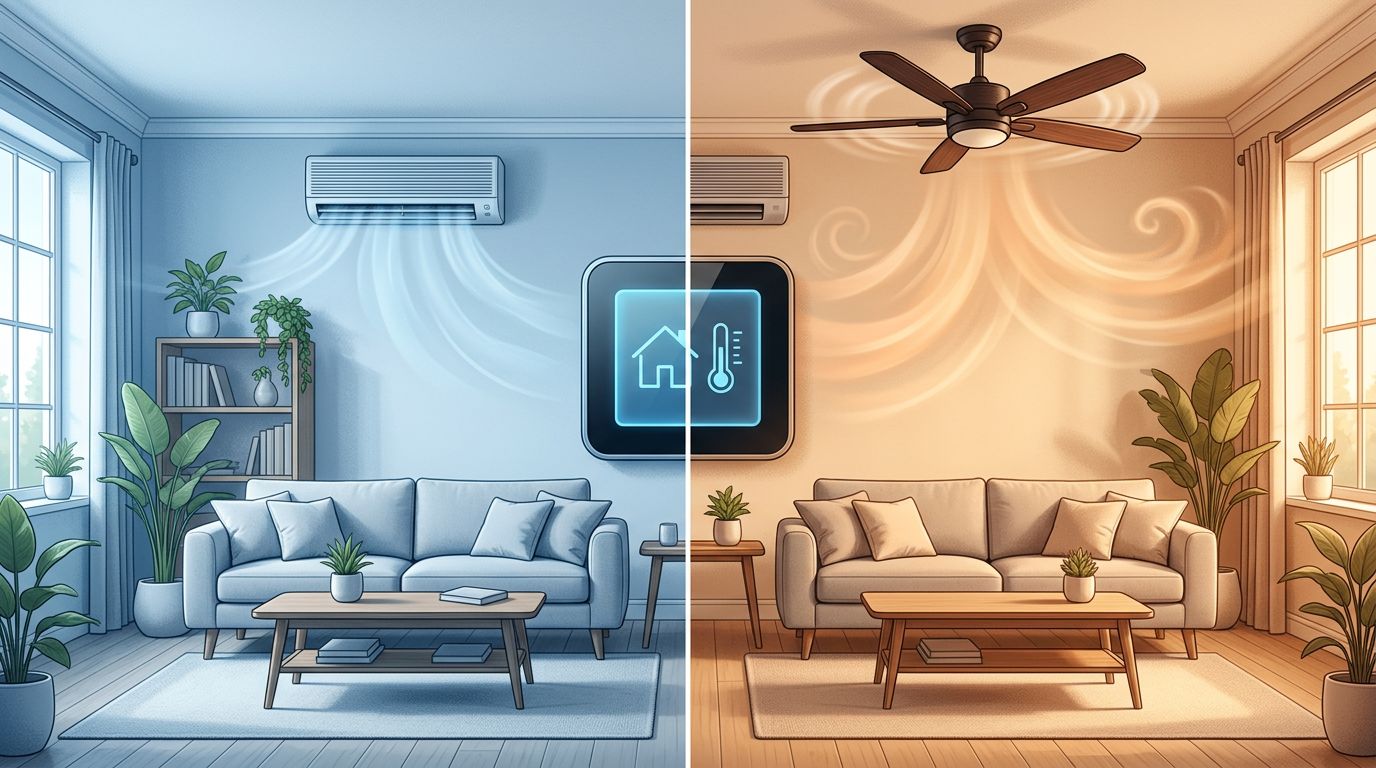
A thermostat can make a hot afternoon feel like a tiny guessing game. You want cooler air, lower humidity, and a bill that does not cause immediate regret.
The short answer is that Auto is usually the right everyday thermostat fan setting in summer. Understanding the differences regarding AC fan mode vs auto mode is essential because these terms function differently depending on your specific HVAC system.
Once you know which control you are looking at, the choice becomes much less mysterious.
Key Takeaways
- On a central thermostat, setting the fan to Auto usually runs the blower motor only while the air conditioner is actively cooling.
- Fan mode on many window units and mini-splits circulates air but does not turn on the compressor or cool the room.
- A continuously running fan can improve air circulation and make temperatures feel more even, but it will increase your electricity bill.
- In humid weather, an Auto fan setting usually protects comfort because it gives moisture time to drain away.
- Check whether your thermostat fan setting says “Fan Auto,” “Fan On,” “Cool,” or “Auto Mode.” These options are not interchangeable.
First, Look at What Your Thermostat Is Actually Asking
When you are trying to understand the debate surrounding AC fan mode vs auto mode, it helps to recognize that there are two different questions hidden in your settings. One is about the indoor blower fan, and the other is about how the cooling system itself functions.
A central HVAC system thermostat often features a fan setting labeled Auto or On. Auto means the blower runs only when the system is actively heating or cooling your home. On means the blower continues to push air through the ducts even between cooling cycles. You will often find these specific controls on a wall-mounted unit or a modern smart thermostat designed to manage your indoor climate.
A window AC unit, portable air conditioner, or mini-split remote may instead offer modes such as Cool, Dry, Fan, and Auto. In that case, Fan mode usually means the unit simply moves air to provide better air circulation without refrigeration. In this setting, the compressor stays off. The room might feel breezier, but it will not actually get colder because the machine is not removing heat from the space.

Then there is Auto mode on the unit itself. Many systems use this to select cooling, heating, or fan operation based on the current room temperature. That can be handy in mild weather, but during a proper summer heat spell, selecting Cool gives you much clearer control over your environment.
Your thermostat is not being difficult on purpose. It simply has several settings with names that sound as if they were written by the same person on a Friday afternoon.
What AC Fan Mode Does on a Summer Day
Fan mode is useful when the room is already comfortable but feels stale. It provides air circulation across your skin, which can make you feel cooler in the same way a ceiling fan does. It can also help distribute cooled air more effectively from one part of a room to another.
What it cannot do is create cold air. Your air conditioning needs the compressor and refrigerant cycle to pull heat from indoor air. With only the fan running, you are recirculating whatever temperature is already in the room.
This matters most with a window unit or mini-split. If the afternoon sun has turned your bedroom into an oven, Fan mode acts like a paper hand fan in a heat wave. It may make the room feel less stuffy for a moment, but it will not actually lower the temperature.
For a central HVAC system, the Fan On setting keeps the blower fan operating after a cooling cycle ends. Some households prefer this because it ensures distant bedrooms receive consistent air movement. It may also smooth out warm and cool pockets in a long hallway or a two-story house.
The trade-off is simple. Running a continuous fan mode increases your energy costs because the blower fan uses electricity whenever it operates. Furthermore, keeping the system running non-stop causes additional wear and tear on the blower motor. Rhoads Energy’s explanation of fan Auto versus On also points out that Auto is generally the more energy-efficient choice, which helps keep your monthly electricity bill as low as possible since the fan is not running around the clock.
How Auto Mode Cools Without the Extra Fuss
On a central thermostat, Fan Auto is the energy-efficient option for most households. When the indoor temperature rises above your chosen setting, the air conditioner engages. The compressor cools the air, and the blower sends it through the ducts. Once the thermostat reaches the set temperature, both the compressor and the blower stop.
That timing is essential for humidity control. As warm indoor air passes over the cold evaporator coil, moisture condenses on the coil and drains away. This process is how air conditioning lowers humidity levels inside your home.
If the fan runs continuously after the compressor shuts off, it can blow moisture still sitting on the evaporator coil back into the house. While the amount varies by system, the result can be a room that feels clammy even though the thermostat says 72 degrees. Managing this moisture is a key factor in overall energy efficiency, as keeping your home dry allows you to feel comfortable at slightly higher temperatures.
A cool room is not always a comfortable room. High humidity can make a reasonable temperature feel sticky and heavy.
For that reason, Auto is often the superior thermostat fan setting in humid regions such as Florida, the Gulf Coast, and much of the eastern United States. A homeowner guide to AC Auto and On settings reaches the same practical conclusion: running the fan only when cooling is needed cuts unnecessary energy use.
If your remote has a whole-system Auto mode, read the manual for your exact model. A mini-split, which serves as a common component of a modern HVAC system, may decide whether to cool or heat based on its own internal temperature reading. In summer, choose Cool when you want the unit to lower the temperature, then select an appropriate fan speed to maintain comfort.
AC Fan Mode vs. Auto Mode at a Glance
Understanding the differences between AC fan mode vs auto mode becomes much easier when you compare what each setting asks your system to perform. Use this table to determine how your cooling equipment handles airflow and temperature distribution throughout your home.
| Setting | What runs | Cools down the room? | Temperature Distribution | Best use |
|---|---|---|---|---|
| Fan mode | Indoor blower only | No | Basic air movement | Moving stale air in a comfortable room |
| Fan Auto on thermostat | Blower during cooling calls | Yes, via cooling coils | Consistent when cooling | Most homes during summer |
| Continuous fan mode | Blower runs constantly | Yes, during cycles | Even, but higher wear and tear | Improving circulation in problem rooms |
| Circulate mode on remote | Unit chooses operations | Variable | Balanced | Mild weather or hands-off operation |
| Cool mode on remote | Compressor and fan | Yes | High | Hot summer weather |
The most important detail to remember is that Fan Auto is not the same as Auto mode. The first setting tells your blower when to run over the cooling coils, while the second setting instructs the appliance to decide between cooling, drying, or fan-only operations based on current conditions.
This distinction also explains many common debates online. A person with ducted central air is often discussing a different control than someone using a portable unit in their bedroom. You can see how this confusion plays out in this homeowner discussion about continuous AC fan use, where the specific system type significantly changes the ideal recommendation.
Humidity, Hot Bedrooms, and the Comfort You Can Feel
Temperature is only half the summer story. A room at 76 degrees can feel fine with dry air and miserable with damp air. Your skin cannot evaporate sweat as easily when humidity is high, so your body loses one of its basic cooling tricks.
That is why Fan mode is not a substitute for air conditioning on a muggy day. It may move humid air around, but it does not pull moisture out of it. While constant movement can aid indoor air quality through improved air filtration, it does little to address moisture levels. Auto fan operation gives your HVAC system time to remove that moisture, then stops the blower once the cooling cycle ends.
A continuously running central fan can still make sense in a few situations. Perhaps one upstairs bedroom always runs warmer than the rest of the house, and you need better air circulation to balance the temperature. Maybe a home office has poor airflow, and you want the thermostat fan set to On during work hours. Modern systems often use a variable speed blower, which may run at low speeds more efficiently than older equipment. However, keep in mind that constant use increases wear and tear on the blower motor.
Even then, pay attention to how the house feels. If the air becomes damp, return the fan setting to Auto. If one room stays warm while the rest are chilly, the underlying issue may be dirty filters, blocked vents, leaky ducts, poor insulation, or an undersized system. Leaving the fan on is not a cure for every stubborn room.
Choosing the Right Setting for Your Home
For most homeowners and renters, start with a simple summer setup: set the system to Cool, choose your preferred temperature, and leave the thermostat fan on Auto. This energy-efficient option is the ideal starting point. Give it a day or two before changing anything, as constant thermostat tinkering usually creates more confusion than comfort.
Use Fan mode on a room unit when you only want air movement. It can be pleasant on a cooler evening when the room no longer needs refrigeration. If the air is warm and humid, switch back to Cool or Dry mode instead.
Try Fan On for a limited period if your HVAC system has uneven temperatures and you want to test whether extra air circulation helps. Check your comfort and your next electric bill. If it solves nothing, change it back to Auto.
Also, replace or clean the air filter or furnace filter on the schedule recommended for your unit. A clogged filter restricts airflow and can make every setting seem less effective. Maintaining your HVAC system by keeping supply vents open, avoiding blocking return vents with furniture, and closing curtains against direct afternoon sun will help you manage energy costs. Those ordinary maintenance fixes often do more than hunting for a magic thermostat setting.
Frequently Asked Questions
Is it more energy efficient to keep my fan on all day?
Generally, no. Setting your fan to Auto is more energy efficient because the blower only runs when your system is actively cooling the air, which helps reduce your monthly electricity costs.
Does running the AC fan in ‘Fan’ mode help cool down a hot room?
Running the fan alone will not lower the room temperature. This mode only circulates existing air, so while it might feel breezy, it cannot pull heat or humidity out of the air like the cooling cycle does.
Why does my house feel damp when the fan is set to ‘On’?
If your fan runs continuously after the compressor shuts off, it can blow moisture trapped on the evaporator coil back into your living space. Using the Auto setting ensures this moisture is drained away, keeping your home feeling drier and more comfortable.
Should I use Auto mode or Fan Auto for my central air?
These terms are often used interchangeably, but ‘Fan Auto’ specifically refers to the blower cycling only during cooling calls. Always ensure your system is set to Cool mode, with the fan set to Auto, for the best balance of comfort and energy efficiency.
A Cooler Home Usually Starts With Auto
For ordinary summer cooling, Auto is the sensible setting. It allows your HVAC system to cool and dehumidify your home effectively without running the blower when there is no active cooling work to do. By only cycling the fan when necessary, you choose the most energy-efficient option, which often results in a lower electric bill at the end of the month.
While you might occasionally use Fan mode for extra airflow, it should not be confused with real cooling. Reserve continuous fan operation for when you have a specific comfort goal in mind, and always let the overall climate in your home guide your decision. When comparing AC fan mode vs auto mode, remember that Auto is designed to optimize both comfort and performance.
This post may contain affiliate links. If you make a purchase through these links, I may earn a small commission at no extra cost to you.


